A podcast used to be an audio file. Now, for most shows, the audio file is the leftover and the video is the product. YouTube is where people find shows, clips are how the show travels, and a conversation with no video has cut itself out of both.
That shift changes what you need to build. Here is what actually matters, roughly in the order it decides whether the show works.
YouTube is not a podcast platform, and that is the whole point
On Spotify or Apple, somebody subscribes and episodes arrive. Discovery is mostly you telling people the show exists.
On YouTube, the platform decides who sees you, and it decides using watch time. A video that holds people gets shown to more people. A video that loses them in the first thirty seconds stops being shown at all.
That has three practical consequences, and they matter more than any piece of equipment:
The first thirty seconds are not an introduction. Most podcasts open with a theme, a welcome, and two minutes of housekeeping. On YouTube that is where the audience leaves. Open with the most interesting thing anyone says in the whole episode, then do the introduction.
Thumbnail and title are part of the production. They decide whether anyone clicks at all. A show that spends nine hours on the edit and four minutes on the thumbnail has its effort in the wrong place.
A static shot loses. Which brings us to cameras.
How many cameras you actually need
The honest answers, by size of show:
One camera. Fine for a solo show, talking straight to the lens. It is the only format where a single angle does not feel static, because you are addressing the viewer directly.
Two cameras. The real minimum for a conversation. One wide shot with everyone in it, one closer shot on whoever is talking. Cutting between two angles is enough to keep a fifty-minute conversation moving.
Three to four cameras. A close-up on each person plus a wide. This is where it starts looking like a show rather than a recording of a meeting, because you can cut to a reaction, which is often more interesting than whoever is speaking.
More than four. Useful for larger panels and for cutaway detail. Past a certain point you are buying options in the edit, not fixing a problem.
The number matters less than whether somebody is switching between them. Cameras nobody is directing produce hours of footage that still has to be assembled afterward. If nobody is switching during the session, that time is in your invoice or it is your weekend.
Framing: the mistake almost everyone makes
Most home video podcasts have the camera too low and too far away.
Too low, because a laptop sits on a desk and points up at you. That angle is unflattering on everyone and it puts your ceiling in the shot.
Too far, because a wide shot feels safe. But on a phone screen, which is where most of your audience is, a wide shot means everyone’s face is tiny.
Put the lens at roughly eye level. Get closer than feels natural. Leave a little space above the head and none below the chest. That costs nothing and it is the difference between looking like a show and looking like a video call.
Audio still decides everything
People will watch mediocre video with excellent audio. Almost nobody will watch excellent video with bad audio. This is consistent, and it is the opposite of where most first-time budgets go.
Which means the order of spending is: microphones first, lighting second, cameras third. A show shot on two cheap cameras with proper microphones and proper light beats a show shot on expensive cameras in a room with an echo, every time.
Lighting is what makes it look expensive
The most common reason a home setup looks amateur is not the camera. It is that the only light in the room is on the ceiling.
Overhead light comes from directly above, which puts shadow in your eye sockets and under your nose. Nobody can name what is wrong when they see it, but everybody registers it as cheap.
Put your main light in front of the person and slightly above eye level. Add something behind them to separate them from the background. Those two moves do more for how expensive your show looks than doubling your camera budget.
The clips are the distribution
Long episodes rarely reach new people. The vertical cuts do.
Which means clips are not an afterthought at the end of the edit. They change how you record. If you know you need ten clips, you shape the conversation so it contains ten moments that stand alone: a claim, a story with a beginning and an end, a disagreement, a number that surprises people.
A practical habit: when a guest says something good, ask them to say it again slightly differently. You now have a clean take that needs no context around it.
And frame with clips in mind. A vertical crop of a wide two-shot cuts both people in half. If the show is going to live on Reels and Shorts, at least some of your angles need to survive being cropped to a phone.
What this looks like in practice
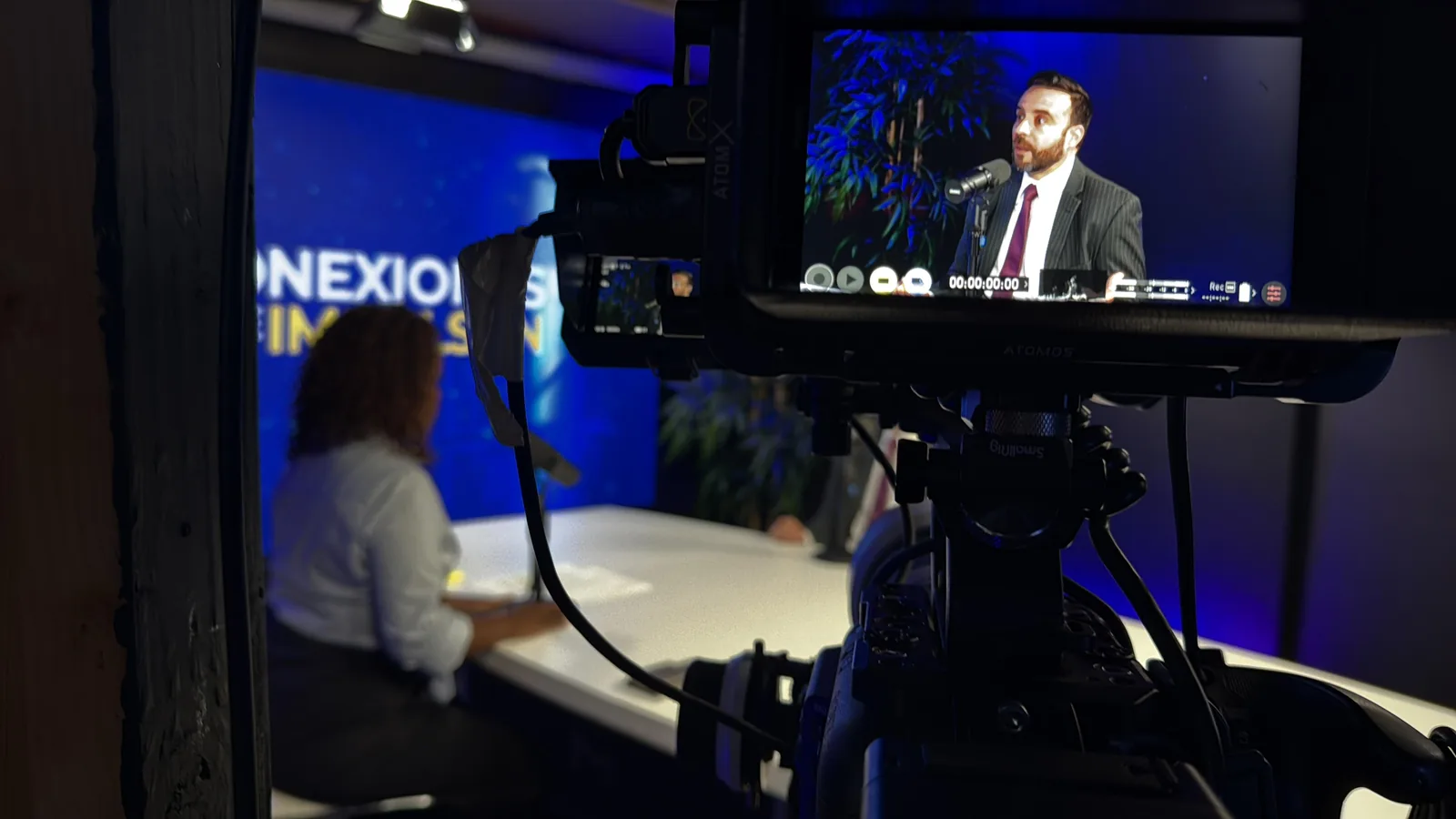
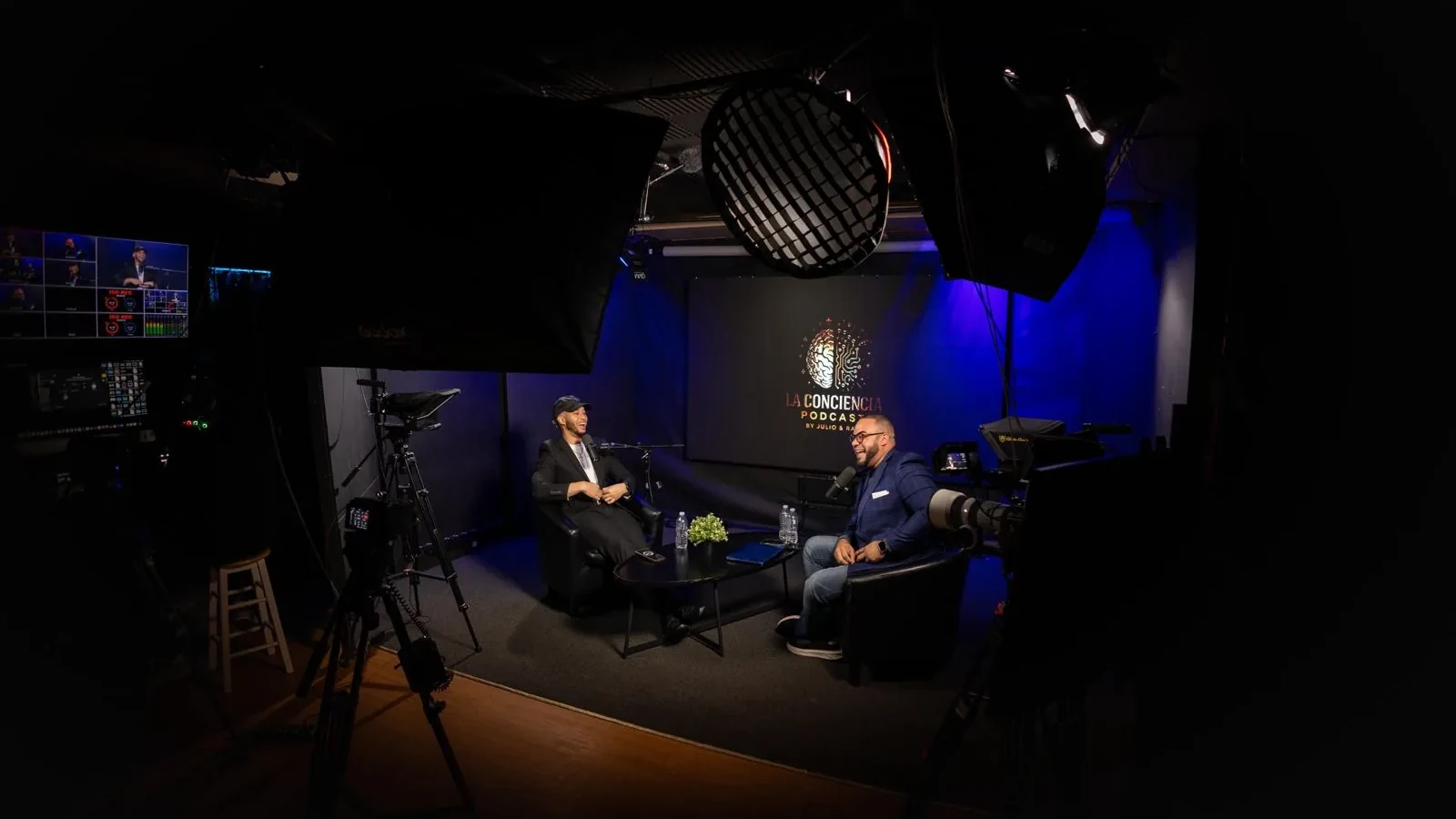
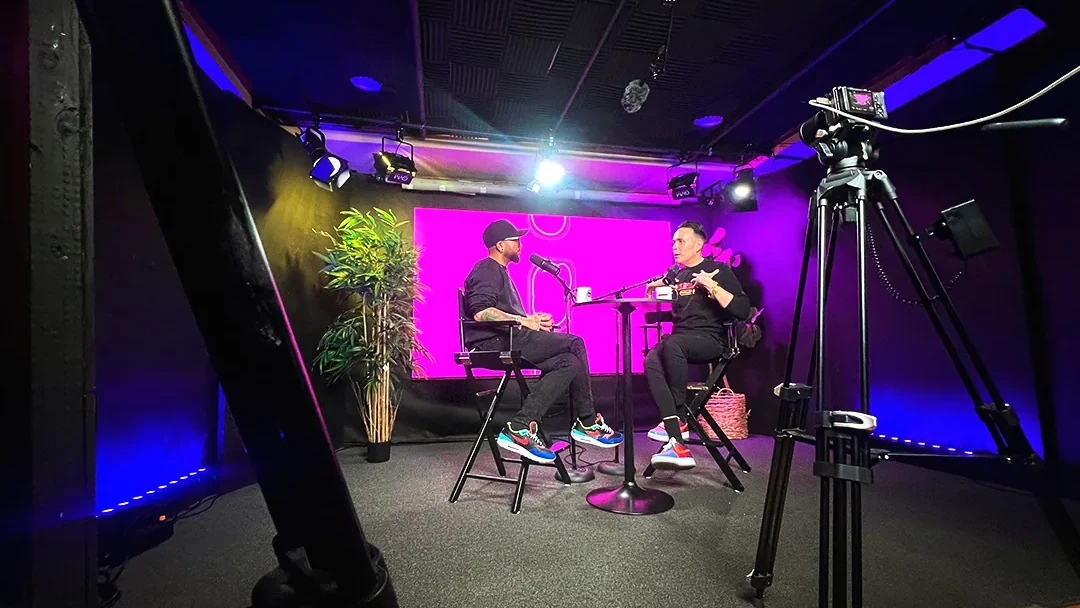
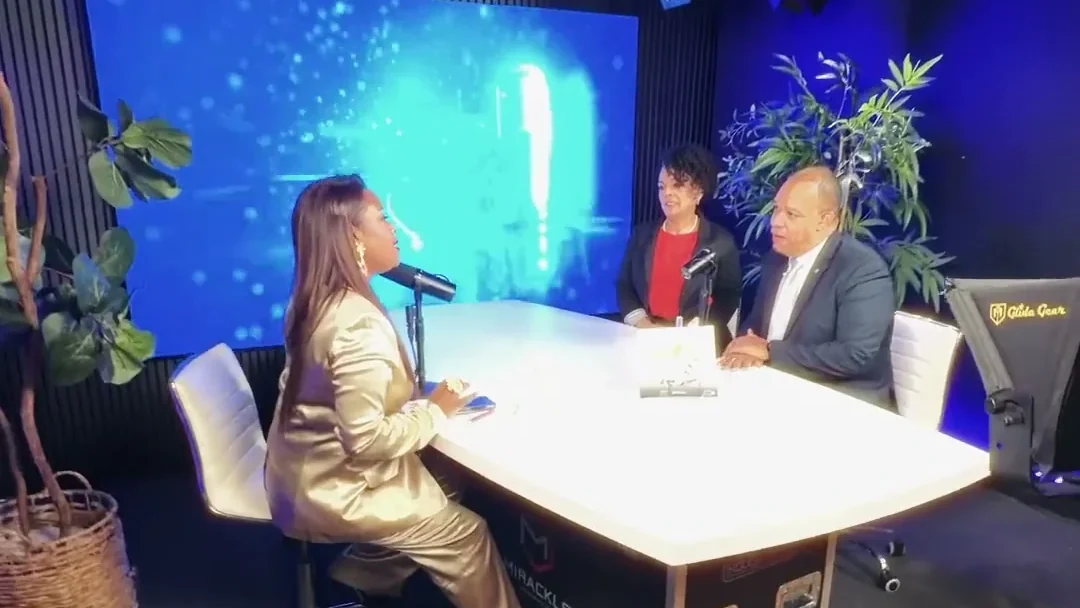
More than sixteen shows have been produced in our room in the Bronx since 2019, and ten of them are documented in detail with the episodes embedded, so you can watch rather than take our word for it. They are on the shows page.
Different formats, deliberately: a solo teaching show, panel conversations with three and four people, an interview format, and a Spanish-language business show. What they have in common is the part that generalizes, which is multi-camera coverage, a microphone per person, and someone directing the cameras live so the edit starts from something already assembled.
Our setup is up to eight Sony 4K cameras with a camera director switching during the session, Shure microphones on individual channels recorded in 32-bit float, and episodes back in about 48 hours with vertical clips cut for social.
Where to start if you are starting
Do not buy eight cameras. Buy this, in this order:
- One good dynamic microphone per person, and headphones
- One light in front of you, at eye level or slightly above
- Two cameras, or one camera and a phone as the second angle
- A quiet room with soft things in it
Publish six episodes with that. You will learn more about what your show needs from six real episodes than from any amount of planning, and you will know exactly what to ask for when you do go looking for a studio.
If you want to see a multi-camera setup working before you commit to anything, book a tour. It takes thirty minutes and it is free.
And if you are weighing the cost, here is what an episode runs three different ways, or see what our sessions include.